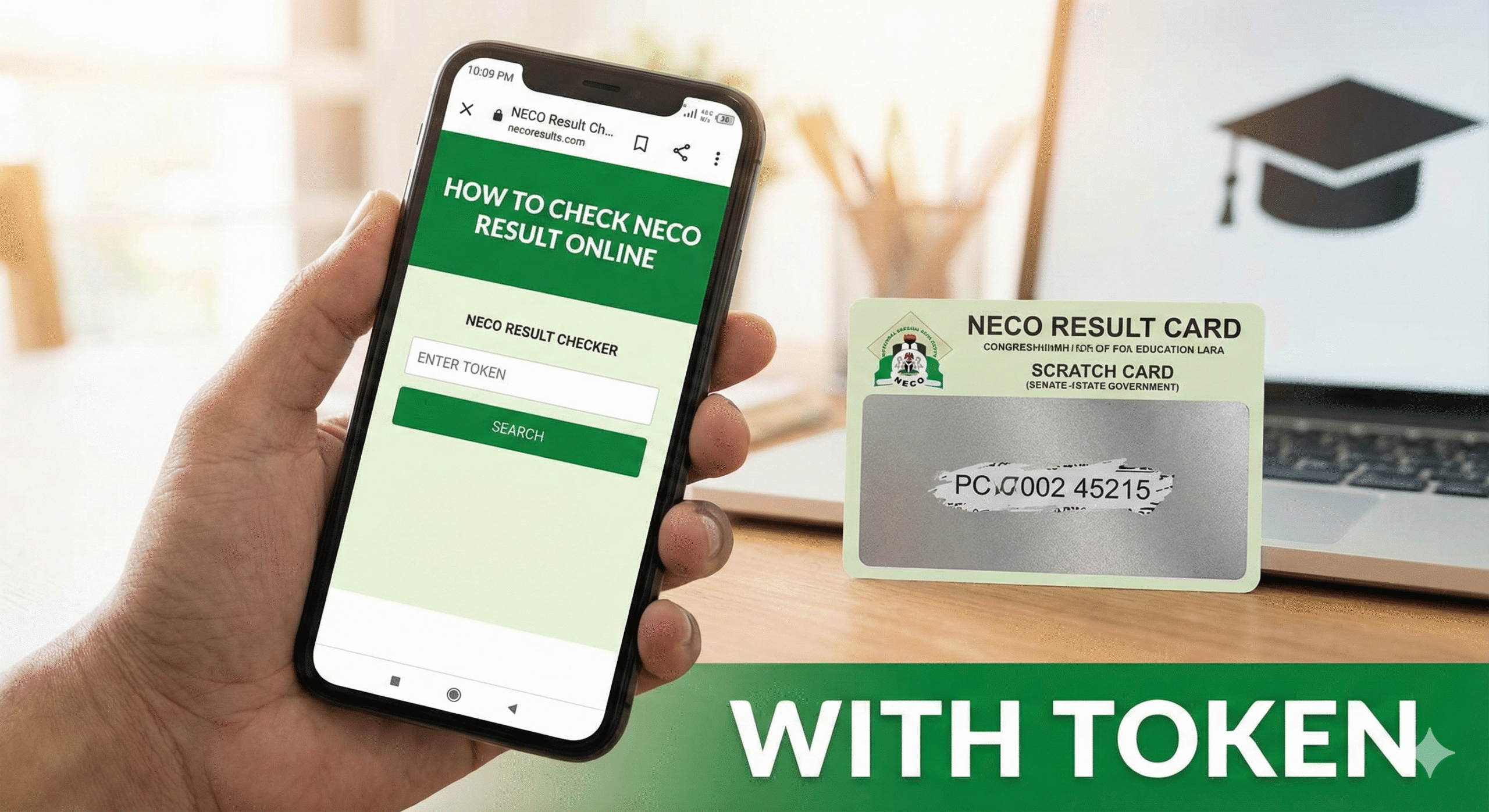
If you wrote the National Examinations Council (NECO) SSCE exams and are waiting for your results, this guide will show you exactly how to check NECO result online with token. The process is simple, secure, and can be done from your phone or laptop, as long as you have a valid NECO token (PIN), your exam registration number, and internet access.
Why You Need a NECO Result Checker Token
In the past, NECO used scratch cards for result checking. Today, the scratch-card system has been replaced with a token-based system.
- The token is a unique PIN (or “Result Checker Token / PIN”) required to access your result online.
- Without a valid token, you will not be able to view your results on the official portal.
- Typically, one token may be used up to five (5) times for the same candidate’s result.
Because the token is mandatory, it ensures only legitimate candidates can access results — reducing fraud and protecting personal data.
What You’ll Need (Before You Start)
Before you attempt to check your result, gather the following:
- Your NECO Examination/Registration Number
- The Result Checker Token (PIN) — purchased or obtained via official means
- The Exam Year (e.g. 2025) and Exam Type (e.g. SSCE Internal or External)
- A device with internet access — a smartphone, tablet or computer
Having everything ready ahead makes the process smooth and avoids errors or delays.
How to Purchase a NECO Result Checker Token
Here’s the official process to get your token securely and safely:
- Visit the official NECO result-checker portal: https://result.neco.gov.ng.
- If you already have an account, log in with your email and password. If not, click Register to create a new account.
- After logging in, click on “Purchase Token” (or a similar button) on the portal.
- Follow the payment instructions presented by NECO. Payment is typically made via trusted online payment gateways (for example using a debit/ATM card).
- Once payment is confirmed, your token (PIN) will be generated and appear in your account under “My Tokens” or equivalent. Save or copy this token; you’ll need it to check results.
Important: Only buy your token from the official portal or trusted accredited vendors. Avoid unknown or unverified websites claiming “free result checking” — many are scams.
How to Check NECO Result Online with Token
Once you have your token, follow these steps carefully to view your result:
- Open your browser and go to https://result.neco.gov.ng (the official result portal).
- On the portal, locate the result checking form. Usually it requests:
- Exam Year (e.g. 2025)
- Exam Type (e.g. SSCE Internal, SSCE External)
- Your NECO Registration/Examination Number
- Your Result Checker Token (PIN)
- Carefully enter all the required information. Ensure all fields are correct to avoid errors.
- Click on the “Check Result” (or similar) button.
- Your result should load on the screen — displaying your subject grades. Review carefully.
- (Optional but recommended) Print the result or save it as a PDF/digital copy for future reference — this is useful for admission applications or verification.
If the portal is slow or busy, try again after some hours or during off-peak times. Also see: How to Upload WAEC Result to JAMB Portal 2025/2026
What to Do If You Lose Your Token or It Doesn’t Work
Sometimes you may lose your token or the token fails; here’s what you can do:
- If you purchased the token via your NECO account, log back in and check under “My Tokens” — your token should still be there.
- If the token fails after multiple attempts or you’ve used it five times (as tokens often have a usage limit), you might need to use the official verification portal or purchase a new token.
- Avoid any site or service offering “free result checking without token” — these are often scams.
If you are unsure or encounter persistent problems, you may reach out to NECO support or visit a local NECO zonal office for guidance (especially for verification reports).
Tips & Precautions for Safe and Smooth Result Checking
- Always use the official portal (https://result.neco.gov.ng) to avoid phishing or fake result-checker sites.
- Double-check every field — small mistakes (exam number, year, token) can cause the portal to return errors.
- Use a trusted internet connection — unreliable networks can lead to payment or loading errors.
- Save or print your result immediately — since tokens are limited in usage, you might need to verify or print rather than repeatedly checking online.
- Never share your token publicly — treat it as sensitive as you would a password or PIN.
- Buy tokens only from official vendors or trusted agents — avoid social-media sellers or unverified websites claiming “free checks.”
FAQ: Common Questions and Answers
| Question | Answer |
|---|---|
| Can I check NECO result without a token? | No. A valid Result Checker Token is mandatory for online checking. |
| How many times can I use a token? | Most tokens allow up to five (5) checks for the same candidate. |
| What if I lose my token? | If you bought via the official portal, you can log in and retrieve it under “My Tokens.” Otherwise, you may need a new token or use verification methods. |
| Can I check using my phone or laptop? | Yes. Any internet-enabled device (smartphone, tablet, computer) works. |
| Is there an SMS option to check results? | In some cases, yes. But online via token remains the standard and safest method. |
Why This Guide Matters (And What It Offers You)
Getting ready for result day can be stressful. Many candidates worry about scams, wrong portals, or losing their token. This guide gives you one reliable, updated resource that explains — in clear, simple steps — how to check your result without hassle.
By following this process, you avoid unverified “free-check” scams, ensure your data remains secure, and get your results fast. Plus, saving or printing your results ahead helps prepare you for admission applications, school registration or any form of verification you might need later.
Final Thoughts
Using a token to check your National Examinations Council (NECO) result online might feel like a small extra step, but it is one of the safest and most reliable ways to access your results. Once you have a valid token, checking is quick, straightforward, and best of all — official.
If you follow this guide (how to check NECO result online with token), you’ll avoid most common pitfalls: wrong portals, fake services, lost PINs.
Good luck, and I hope you see your result soon — and that it brings you great news!, share this Article to your freiend if you find value here…